
Choose the Persona: Start with a clear image that defines the face, hairstyle, outfit, niche, and visual style.
USE CASE
AI Influencer Video — Build a Virtual Creator for Every Feed
Create an original virtual influencer or upload a character image you already own. Turn that identity into social videos, lifestyle moments, promotions, and mature creator content with Wan.
No camera, performer, or local model setup. Start with one approved character and create new content whenever the feed needs it.
Create Your AI Influencer Video
Already have an influencer image? Upload it below and describe the movement, expression, setting, and camera direction you want.
Still creating the persona? Establish the appearance first with the Wan Image Generator, then return with the approved image.
Direct the Post: Describe the hook, action, expression, camera movement, environment, and intended ending.
Generate and Review: Check whether the character, motion, framing, and overall tone fit the account you are building.
Before You Generate: Clear Face · Vertical-Friendly Framing · Readable Pose · Room for Motion
Drag & Drop / Click to upload
Drag and drop your image here, or click to browse files to begin!
0/800
Duration:
Try More NSFWWan Models
Different AI influencer videos may need different levels of motion, reference control, and scene flexibility. Explore the NSFWWan lineup and choose the model that best fits the content you want to create.
CONTENT IDEAS
One Virtual Influencer. More Ways to Post.
Build the persona once, then direct new moments around the same recognizable identity and content niche.
Creator Introduction: Produce a direct-to-camera profile introduction, channel opener, or pinned welcome video.
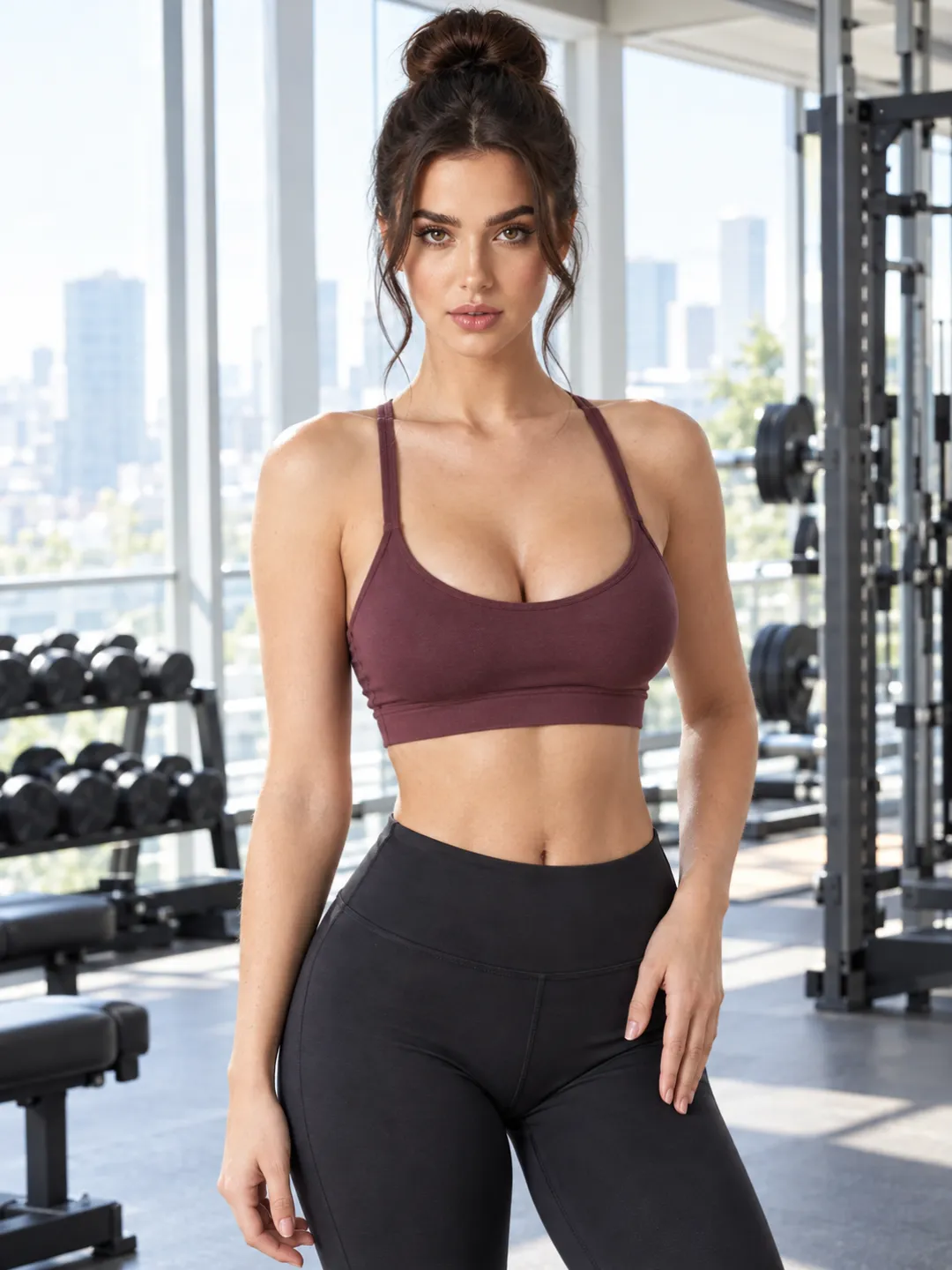
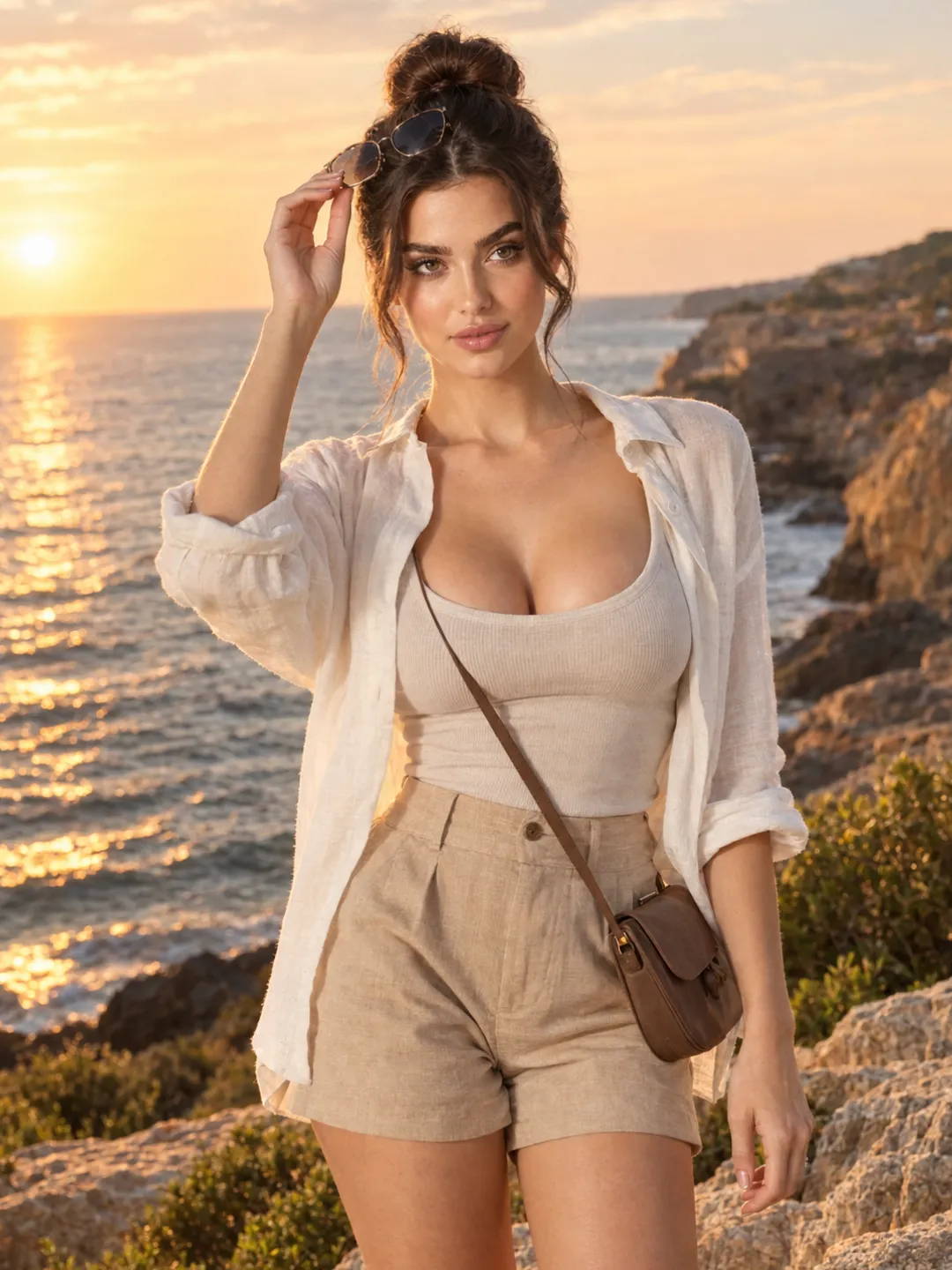
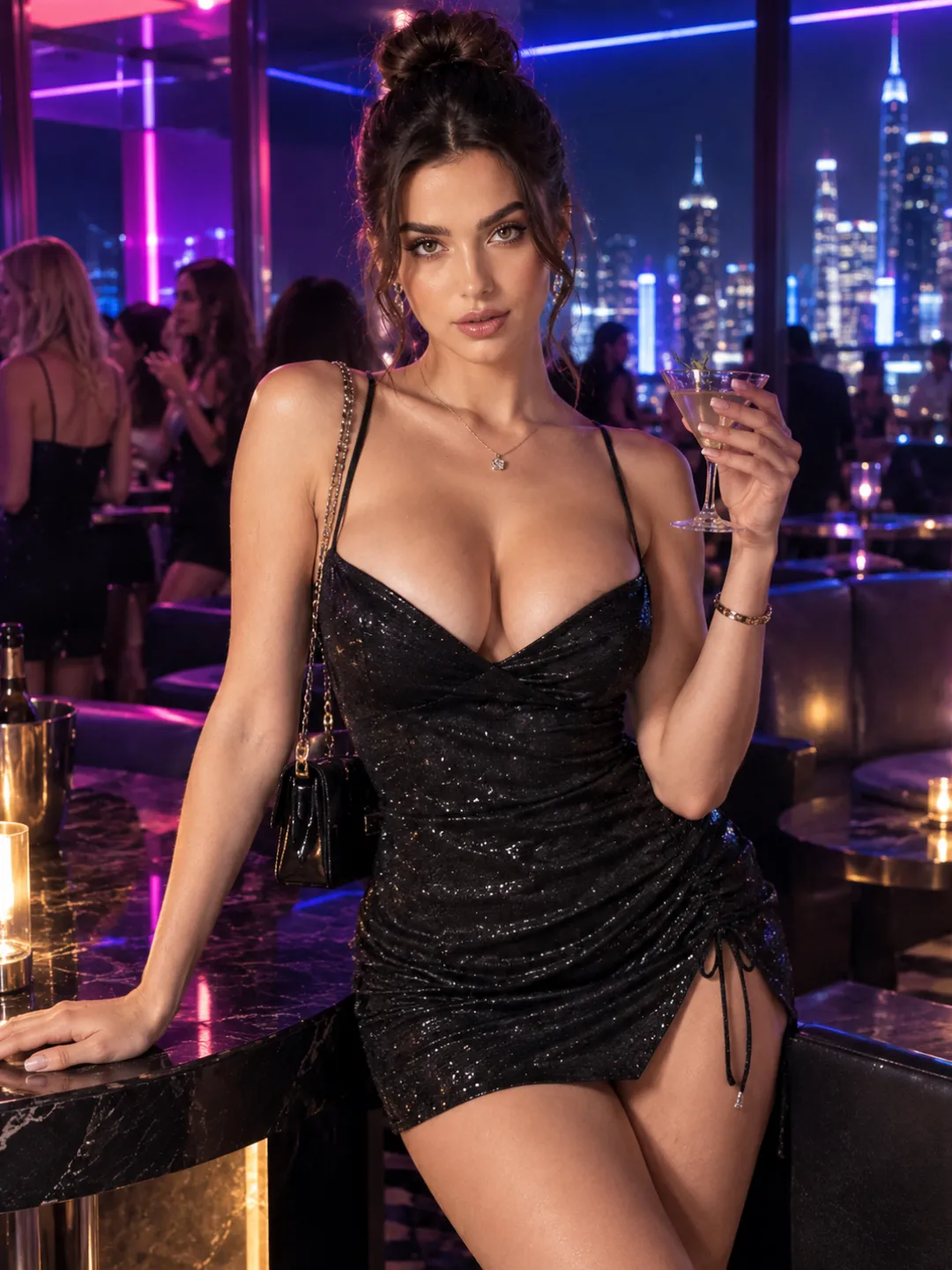
Lifestyle Reel: Place the influencer in a morning routine, workout, travel, fashion, gaming, or nightlife scene.
Style or Product Feature: Start with an approved image in which the clothing, accessory, or product is already clearly visible, then add controlled movement around it.
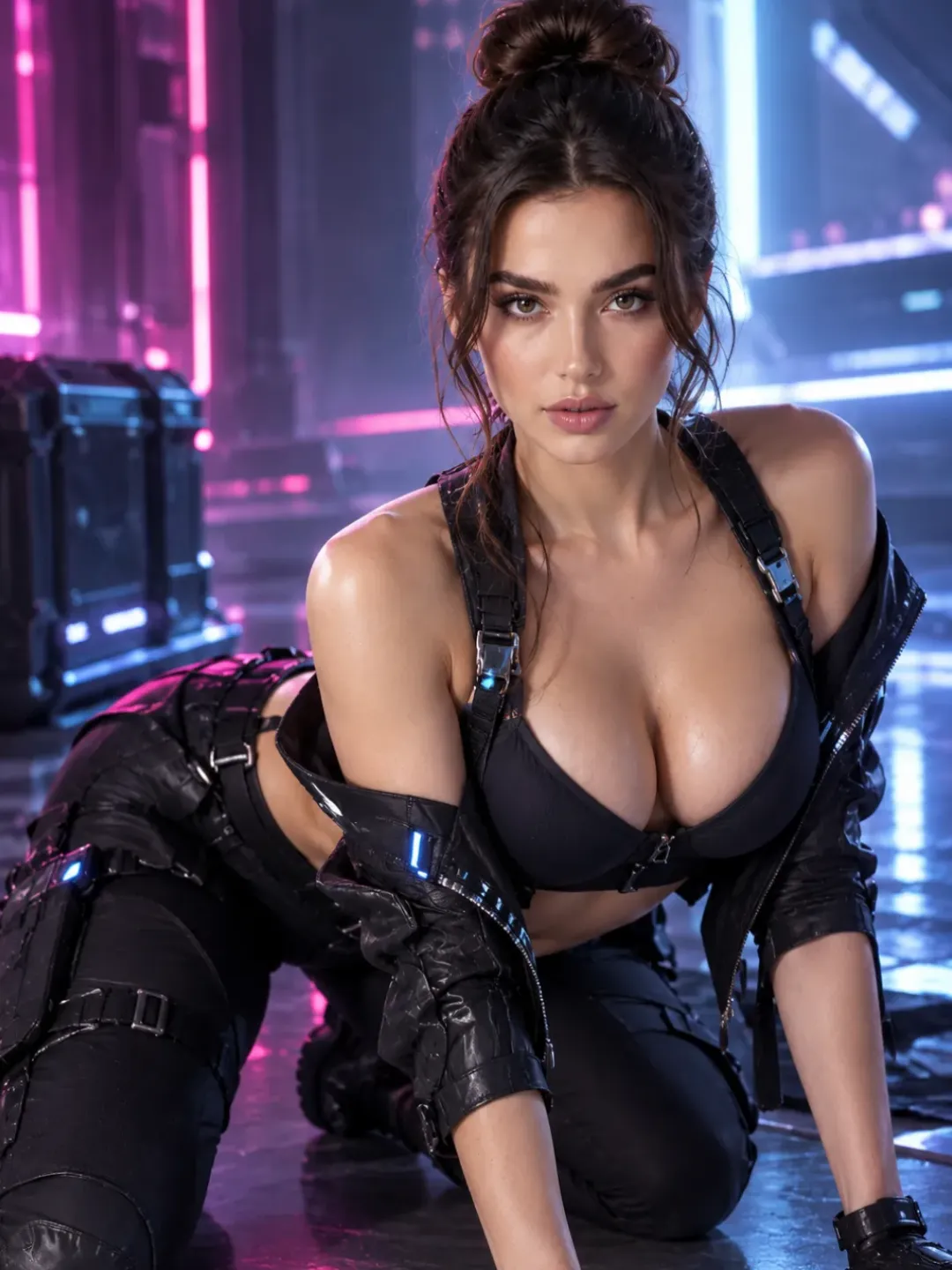
Mature Creator Teaser: Create a suggestive preview, profile teaser, or subscriber-facing clip for a permitted 18+ fictional persona.
Each format should have its own hook and purpose. Changing only the background will not make the feed feel varied.
BUILD THE PERSONA
Make the Feed Feel Like One Creator, Not Random AI Clips
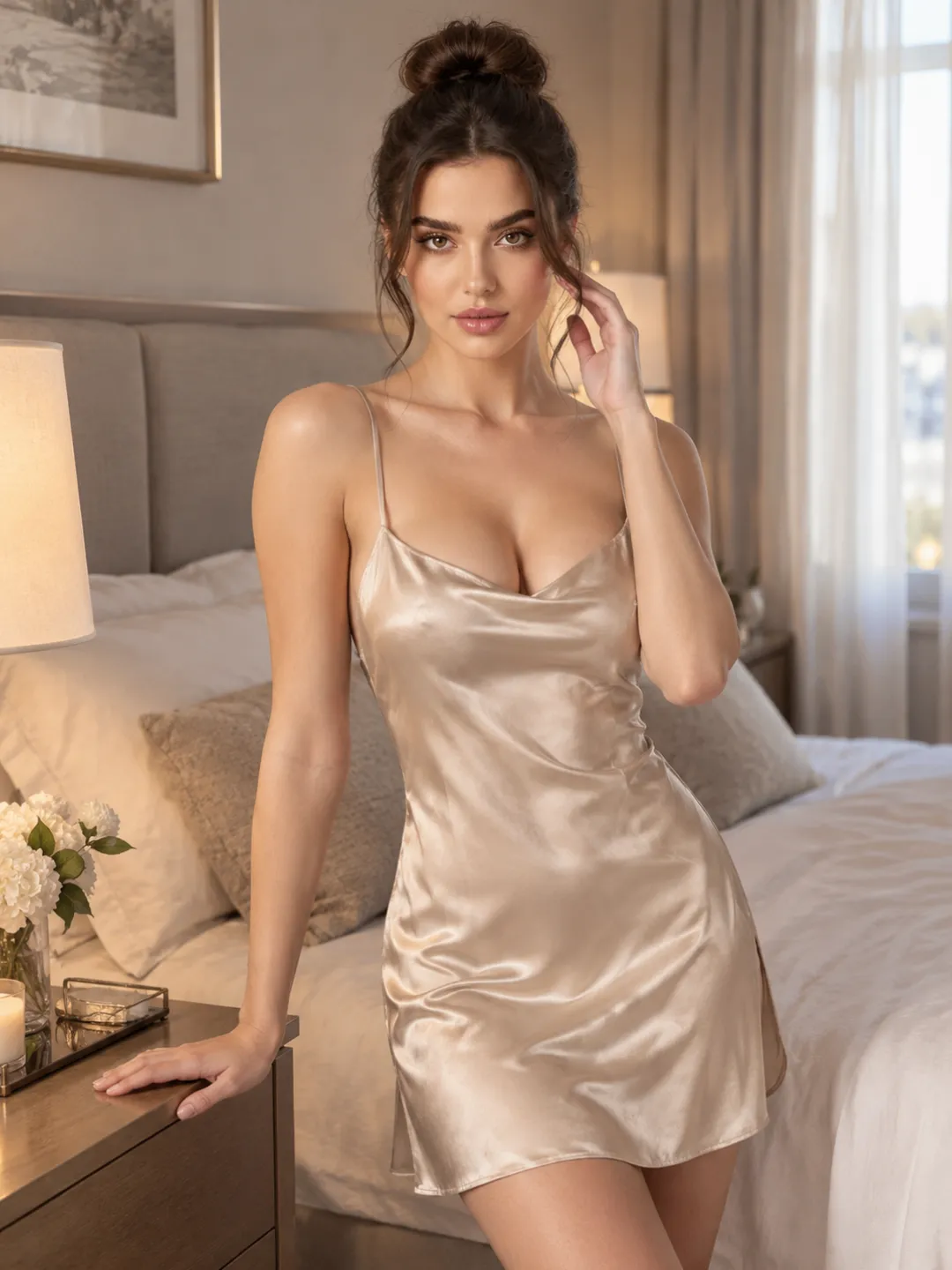
A recognizable AI influencer needs more than the same face. The account should carry a repeatable visual identity and a clear reason for people to follow it.
Choose a Content Niche: Fashion, fitness, cosplay, gaming, travel, nightlife, lifestyle, or mature creator content gives the persona a recognizable direction.
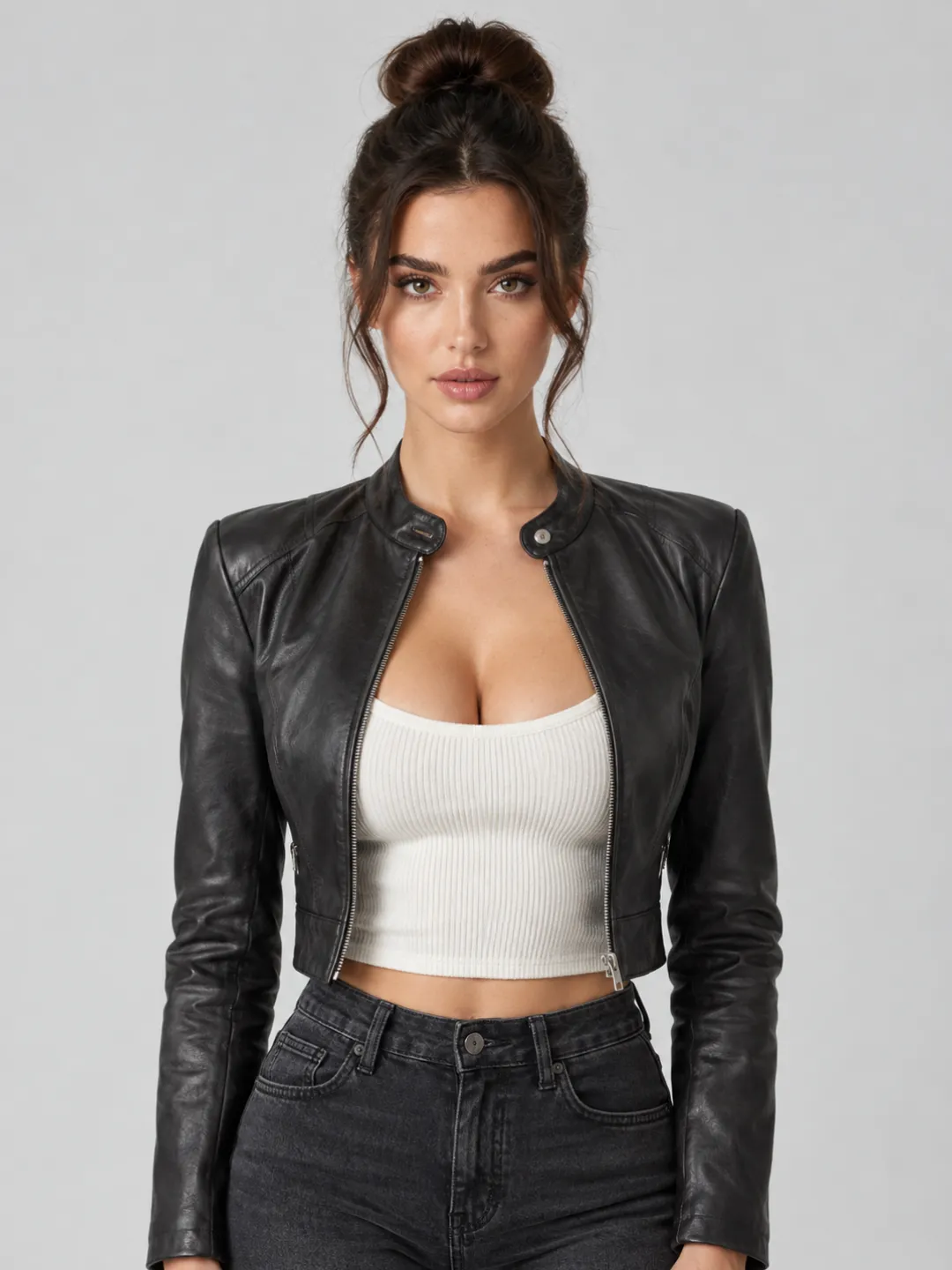
Keep the Visual Signature: Reuse selected facial features, hairstyle, color palette, accessories, and styling details across the strongest posts.
Set the Camera Language: Decide whether the account relies on selfie framing, direct eye contact, cinematic lifestyle shots, full-body movement, or a deliberate mixture.
Change the Post, Not the Entire Identity: Vary the action, mood, outfit, and location while preserving the details that make the creator recognizable.
Persona + Content Hook + Action + Setting + Camera + End Frame
WHY NSFWWAN
Create Unfiltered Influencer Videos Without a Local Wan Setup
NSFWWan brings character creation and Wan video generation into one browser-based workflow. Test an identity, generate the first post, and return with new ideas without downloading checkpoints or maintaining a ComfyUI environment.
- Create or upload an original virtual influencer.
- Explore different Wan models from the same site.
- Produce public-facing, private, or permitted NSFW creator content.
- Move from image creation to I2V, R2V, editing, and extension.
- Test new visual directions without arranging another shoot.
Need subscription-focused content rather than a public social persona? Explore AI OnlyFans Video for a more conversion-oriented creator workflow.
FAQ
AI Influencer Video Questions
It turns an original virtual persona or approved character image into video content for social profiles, promotions, lifestyle posts, and creator campaigns.
Yes. Create and approve the persona with the Wan Image Generator before using that image as the starting point for video.
You can reuse an approved character image or reference across multiple generations. Keeping the main facial features and visual signature clear improves recognizability, although results are not guaranteed to be pixel-identical.
You can generate short source clips planned around vertical social content. Platform-specific captions, interface elements, music, and final formatting may still need to be added during editing.
Yes, but place the approved product or clothing item clearly in the source image whenever its appearance matters. Small text, logos, packaging, and fine product details may change during video generation.
NSFWWan supports permitted 18+ fictional character workflows. Use original personas or material you have permission to use, and do not impersonate real people or create non-consensual content.
No local installation is required for the browser-based workflow. Upload or create the character, describe the video, and generate from the page.
START CREATING
Build the Persona. Create the First Post.
Start with one approved influencer image and one clear content idea. Generate the first video, establish the account’s visual direction, and build the next post around the same recognizable creator.