
Character Reel
Turn a portrait into an introduction, expression change, pose shift, or direct-to-camera moment.
Create visual moments for Reels, TikTok, YouTube Shorts, profile previews, and mature creator campaigns. Start with an image or scene idea, direct the motion, and generate the few seconds that matter most.
No filming. No local model setup. Just a clear opening, motion, and final frame.
A short clip works when the viewer understands the visual idea before the moment is over.
Turn a portrait into an introduction, expression change, pose shift, or direct-to-camera moment.
Create a walk, outfit reveal, room entrance, travel moment, or cinematic lifestyle shot.
Preview a character, location, or dramatic event while leaving the larger story unresolved.
Make an 18+ fictional-character teaser for a profile, campaign, or subscriber-facing destination.
A short clip needs a readable opening, one clear action, and an ending that feels intentional.
Build the visual, direct the motion, and compare the result from one browser based workspace.
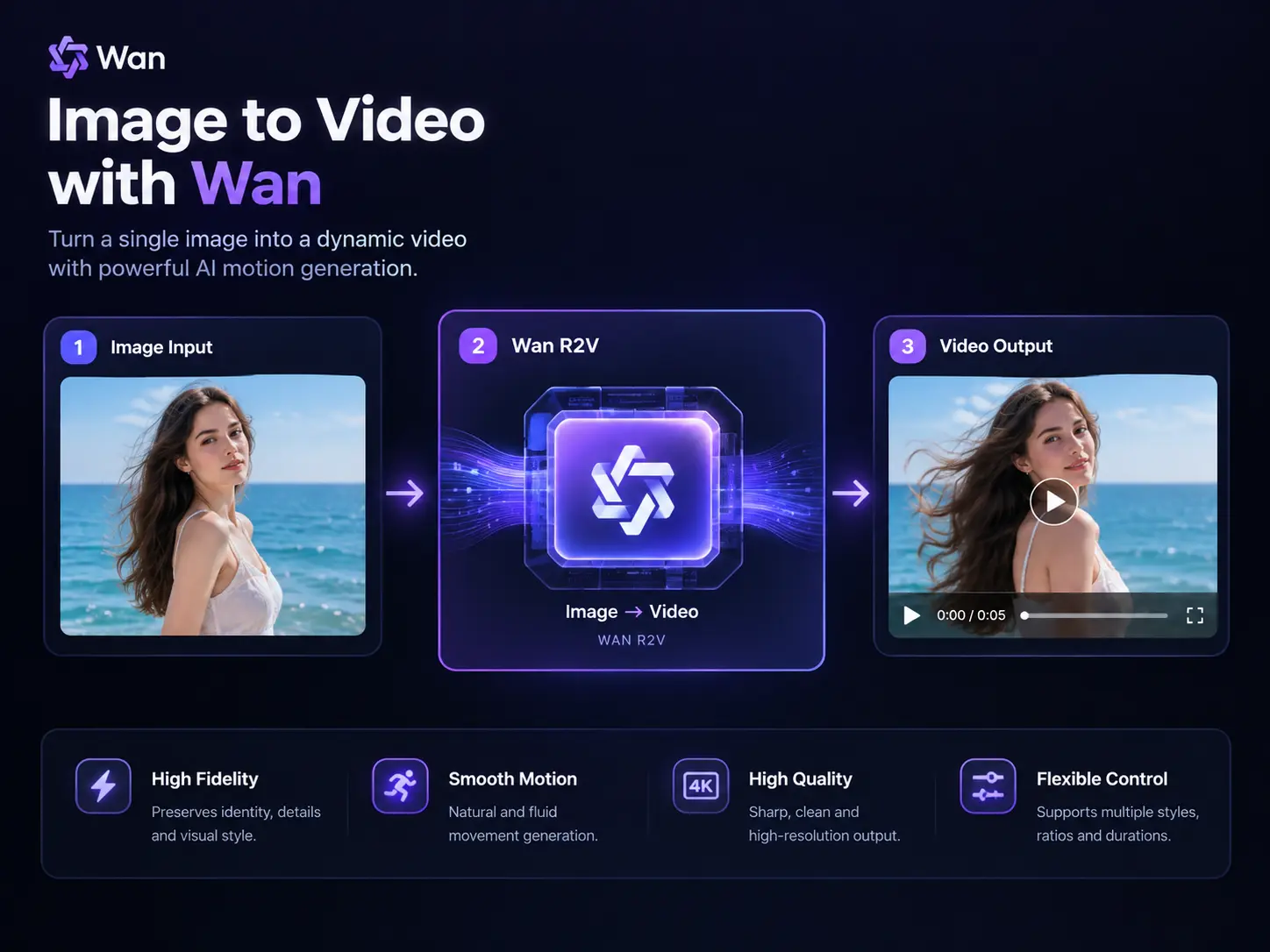
Use I2V when the opening frame already works. Use R2V when references should guide a newly arranged scene.
Build a character or setting, bring the approved visual into the video workflow, and iterate from one browser based workspace.
Try different levels of motion, reference control, and scene flexibility without configuring local checkpoints or ComfyUI.
Start with one clear visual idea, generate the strongest few seconds, and prepare the clip for the audience it is meant to reach.