
How to Add NSFW MMAudio to Wan 2.2 Videos
On this page
A finished Wan 2.2 video can have the right character, movement, camera angle, and atmosphere but still feel incomplete because it has no sound.
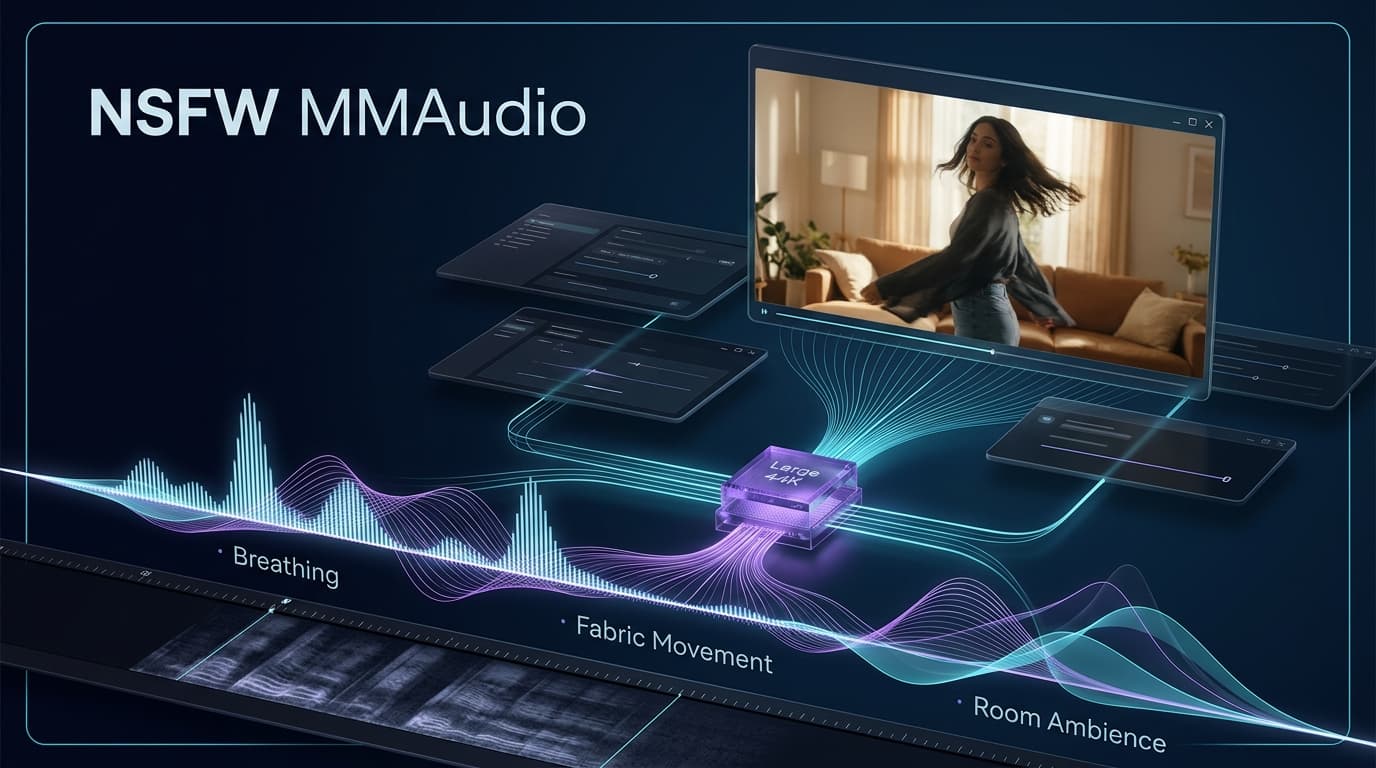
NSFW MMAudio adds an audio-generation stage after the video is finished. It reads the visible movement in the clip and combines that information with a short audio prompt. The result can include breathing, reactions, fabric movement, footsteps, furniture sounds, room ambience, and other effects that follow what is happening on screen.
It does not replace Wan 2.2. Wan creates the visuals; NSFW MMAudio gives the finished clip an audio layer.
Quick Answer
To use NSFW MMAudio with Wan 2.2, first generate and save the silent video. Then load that video into ComfyUI, select the NSFW MMAudio checkpoint, describe the sounds you want, and combine the generated audio with the original frames.
You need:
- A finished Wan 2.2 video.
- ComfyUI-MMAudio.
- ComfyUI-VideoHelperSuite.
- The NSFW Large 44K MMAudio checkpoint.
- Three supporting model files.
- A ComfyUI-MMAudio version that includes an fps input.
Creators who do not want to install ComfyUI or download local models can use the available NSFWWan online generator instead.
What NSFW MMAudio Can Add to a Wan Video
NSFW MMAudio is most useful when the visual scene already works but feels empty without physical reactions or environmental sound.
Depending on the video and prompt, it may generate:
- Breathing and nonverbal reactions.
- Fabric and clothing movement.
- Bed, chair, floor, or furniture sounds.
- Footsteps and body movement.
- Indoor or outdoor ambience.
- Sounds that rise or fall with visible motion.
- Close, quiet audio for intimate scenes.
The model uses both the video and the text prompt. The frames help it understand when movement happens, while the prompt tells it what types of sound should be emphasized.
A close shot with visible facial movement may produce more detailed breathing and reactions. A wider full-body shot may give the model more information about footsteps, clothing movement, furniture contact, or changes in position.
NSFW MMAudio cannot repair a weak Wan generation. If the action is hidden, the body is distorted, or the intended interaction is unclear, the audio model has less reliable information to follow. Start with a readable Wan 2.2 image-to-video result before generating sound.
What You Need Before You Start
This tutorial assumes that ComfyUI is already installed and that you can generate or import a Wan 2.2 video.
Install these two custom-node packages:
ComfyUI-VideoHelperSuite
This package loads the finished video, reads its duration and frame rate, previews the result, and combines the generated audio with the original frames. It can be installed through ComfyUI Manager.
FPS-Aware ComfyUI-MMAudio Build
This package loads the MMAudio files and generates the audio. Use the FPS-aware version linked on the page.
After restarting ComfyUI, search the node menu for:
MMAudio ModelLoader
MMAudio FeatureUtilsLoader
MMAudio Sampler
VHS Load Video
VHS Video Info
VHS Video Combine
Preview Audio
Open the MMAudio Sampler and confirm that it has an input named fps. If that input is missing, the installed version may produce audio that is shorter than a typical 16fps Wan video.
Download the Four Required MMAudio Files
Download these four files:
mmaudio_large_44k_nsfw_gold_8.5k_final_fp16.safetensors
mmaudio_vae_44k_fp16.safetensors
mmaudio_synchformer_fp16.safetensors
apple_DFN5B-CLIP-ViT-H-14-384_fp16.safetensors
Put all four files in:
ComfyUI/models/mmaudio/
The finished folder should look like this:
ComfyUI/
└── models/
    └── mmaudio/
        ├── mmaudio_large_44k_nsfw_gold_8.5k_final_fp16.safetensors
        ├── mmaudio_vae_44k_fp16.safetensors
        ├── mmaudio_synchformer_fp16.safetensors
        └── apple_DFN5B-CLIP-ViT-H-14-384_fp16.safetensors
The first file is the main NSFW audio model. The other three files help it interpret the video and convert the generated result into usable audio.
The 44K BigVGAN vocoder normally downloads automatically during the first generation. Keep the internet connection active and allow additional time for the first run.
Do not rename the NSFW checkpoint unless an imported workflow specifically asks for another filename. Some community workflows include v2 in the expected filename, but changing the name does not change the model itself.
Add Sound to Your Wan Video in Four Steps
Step 1: Load the Finished Wan Video
Add VHS Load Video and upload the finished Wan 2.2 clip.
Keep force_rate set to 0. This preserves the original frame rate instead of changing the timing before MMAudio reads the video.
Connect the video_info output to VHS Video Info. This gives the workflow the video’s real duration and frame rate.
Step 2: Select the NSFW MMAudio Files
In MMAudio ModelLoader, select:
mmaudio_large_44k_nsfw_gold_8.5k_final_fp16.safetensors
Set the base precision to:
fp16
In MMAudio FeatureUtilsLoader, select:
VAE: mmaudio_vae_44k_fp16.safetensorsSynchformer: mmaudio_synchformer_fp16.safetensors
CLIP: apple_DFN5B-CLIP-ViT-H-14-384_fp16.safetensors
Mode: 44k
Precision: fp16
Step 3: Connect the Video to MMAudio
Connect the workflow in this order:
VHS Load Video: IMAGE → MMAudio Sampler: imagesVHS Video Info: loaded_duration → MMAudio Sampler: duration
VHS Video Info: loaded_fps → MMAudio Sampler: fps
MMAudio ModelLoader → MMAudio Sampler: mmaudio_model
MMAudio FeatureUtilsLoader → MMAudio Sampler: feature_utils
The loaded_fps → fps connection is especially important. Without it, a 16fps Wan video may receive an audio track that ends before the video does.
For the first generation, keep the main sampler settings close to their defaults:
Steps: 25
CFG: 4.5
Mask away CLIP: false
Force offload: true
Step 4: Preview and Combine the Audio
Connect the sampler’s audio output to Preview Audio. Listen to the result before exporting the final video.
If the sound is usable, make these final connections:
VHS Load Video: IMAGE → VHS Video Combine: imagesMMAudio Sampler: audio → VHS Video Combine: audio
VHS Video Info: loaded_fps → VHS Video Combine: frame_rate
The combine node should use the same frame rate as the original Wan video. This preserves the original pacing while adding the generated audio track.
Describe the Sound, Not the Entire Scene
The video already shows the character, room, clothing, pose, and movement. The audio prompt does not need to describe all of those details again.
Focus on four things:
Environment + Reaction + Movement Sound + What to Avoid
For a quiet intimate indoor scene:
Quiet intimate room ambience, soft breathing, subtle fabric movement,
gentle furniture sounds synchronized with the visible motion,
close and natural audio, no music, no narration
For a scene with stronger body movement:
Rhythmic breathing, clear clothing movement, soft surface contact,
natural room ambience, sounds following the visible body motion,
no dialogue, no background music
music, singing, narration, clear dialogue, crowd noise,
distorted speech, echo, abrupt sound cuts
A useful negative prompt is:
A useful negative prompt is:
Do not request too many different sounds in one short clip. If the prompt asks for dialogue, music, several people, environmental noise, and many physical effects at once, the result may become confused or inconsistent.
What Results Should You Expect?
NSFW MMAudio is strongest as a scene-sound generator. It can make a silent Wan clip feel more active by responding to visible motion and adding an audio environment around it.
It is suitable for:
- Breathing and reactions.
- Fabric and movement sounds.
- Furniture or surface contact.
- Footsteps and room activity.
- Indoor and outdoor ambience.
- Short adult scene previews.
- Creator clips that need a more complete atmosphere.
It is not the right tool for:
- Exact spoken dialogue.
- A specific recurring voice.
- Accurate lip synchronization.
- Voice cloning.
- Controlled song generation.
- Frame-perfect professional sound design.
The model may occasionally generate unclear speech-like sounds or unwanted background music. This does not necessarily mean the workflow is broken. Try another seed, simplify the prompt, and include unwanted sound types in the negative prompt.
For longer clips, keep in mind that MMAudio is centered around an eight-second training duration. It may work with longer videos, but a 15-second scene can be easier to control when divided into two natural segments.
Fix the Three Most Common Problems
The Audio Ends Before the Video
Open MMAudio Sampler and check whether it has an fps input.
Then confirm:
VHS Video Info: loaded_fps
→ MMAudio Sampler: fps
If the FPS input does not exist, install the FPS-aware build used by this guide.
The Audio Contains Music or Strange Voices
Add the unwanted sounds to the negative prompt:
music, singing, narration, clear speech, distorted voices
Shorten the positive prompt and focus on the two or three sounds that matter most.
MMAudio is not a controlled dialogue model, so unclear speech-like sounds can still appear occasionally.
ComfyUI Runs Out of Memory
Do not generate the Wan video and MMAudio audio in one large queue.
A simpler route is:
- Generate the Wan video.
- Save the finished MP4.
- Remove or unload the Wan generation nodes.
- Load the saved MP4 into the MMAudio workflow.
- Generate and combine the audio separately.
Keep force_offload enabled in MMAudio Sampler. Exact memory use depends on the GPU, precision, video length, installed nodes, and any models that remain loaded.
FAQ
Is NSFW MMAudio part of Wan 2.2?
No. Wan 2.2 generates the video, while NSFW MMAudio generates sound for the finished clip.
Can it add sound to a 16fps Wan video?
Yes, provided that the workflow uses an FPS-aware MMAudio Sampler and connects the video’s loaded_fps value to the sampler’s fps input.
Do I need all four files?
Yes. The NSFW checkpoint is the main audio model, while the VAE, Synchformer, and CLIP files perform other required parts of the workflow.
Why can’t I find the model in ComfyUI?
Check that the files are inside: ComfyUI/models/mmaudio/
Then restart ComfyUI. Also confirm that the files still use the .safetensors extension.
Can NSFW MMAudio generate dialogue?
It may generate unclear speech-like sounds, but it is not suitable for controlled dialogue, voice identity, or lip synchronization.
Can I use it with a still image?
MMAudio is designed around video-to-audio generation. A moving Wan clip provides better timing information than a duplicated still image.