
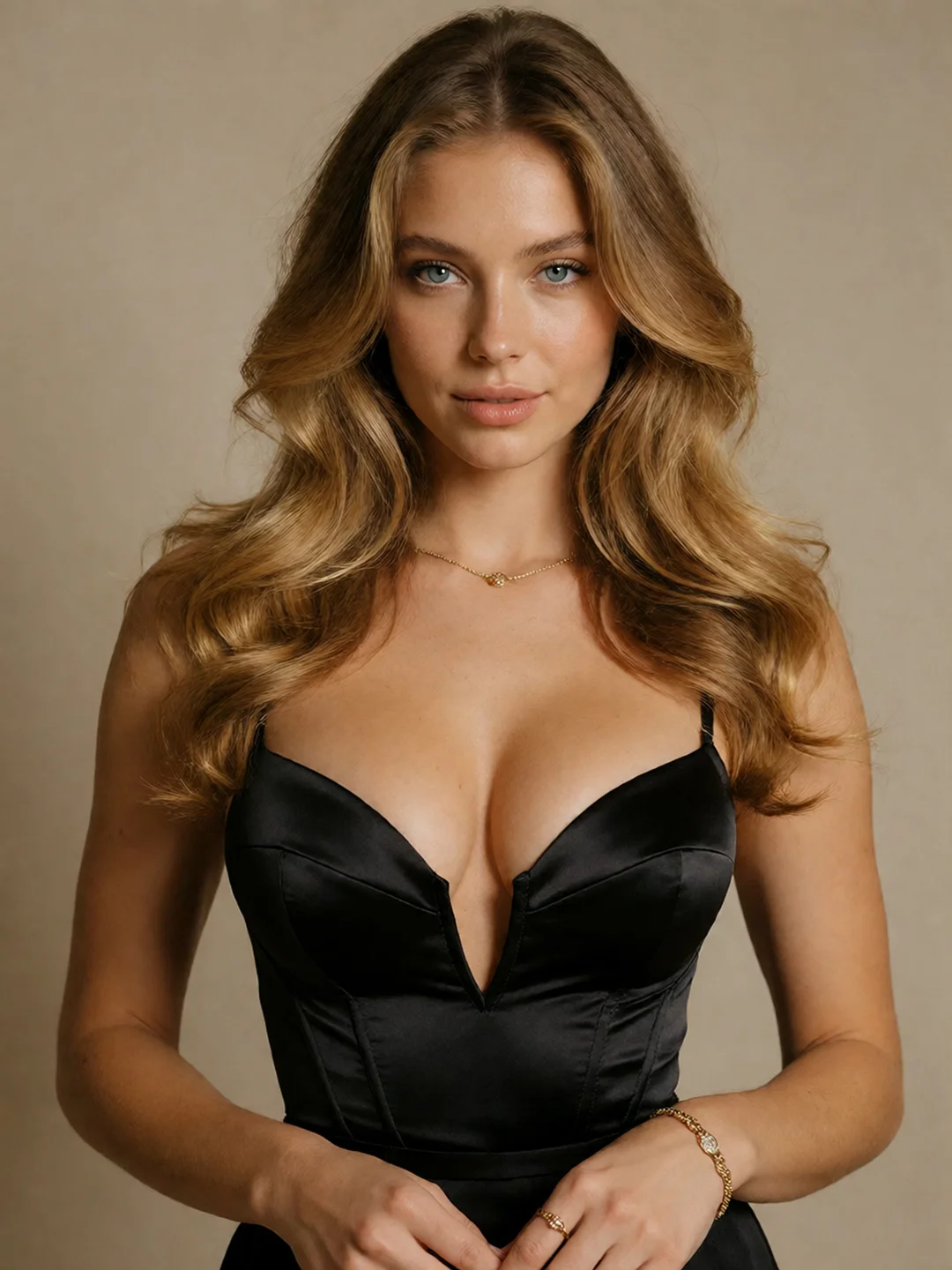
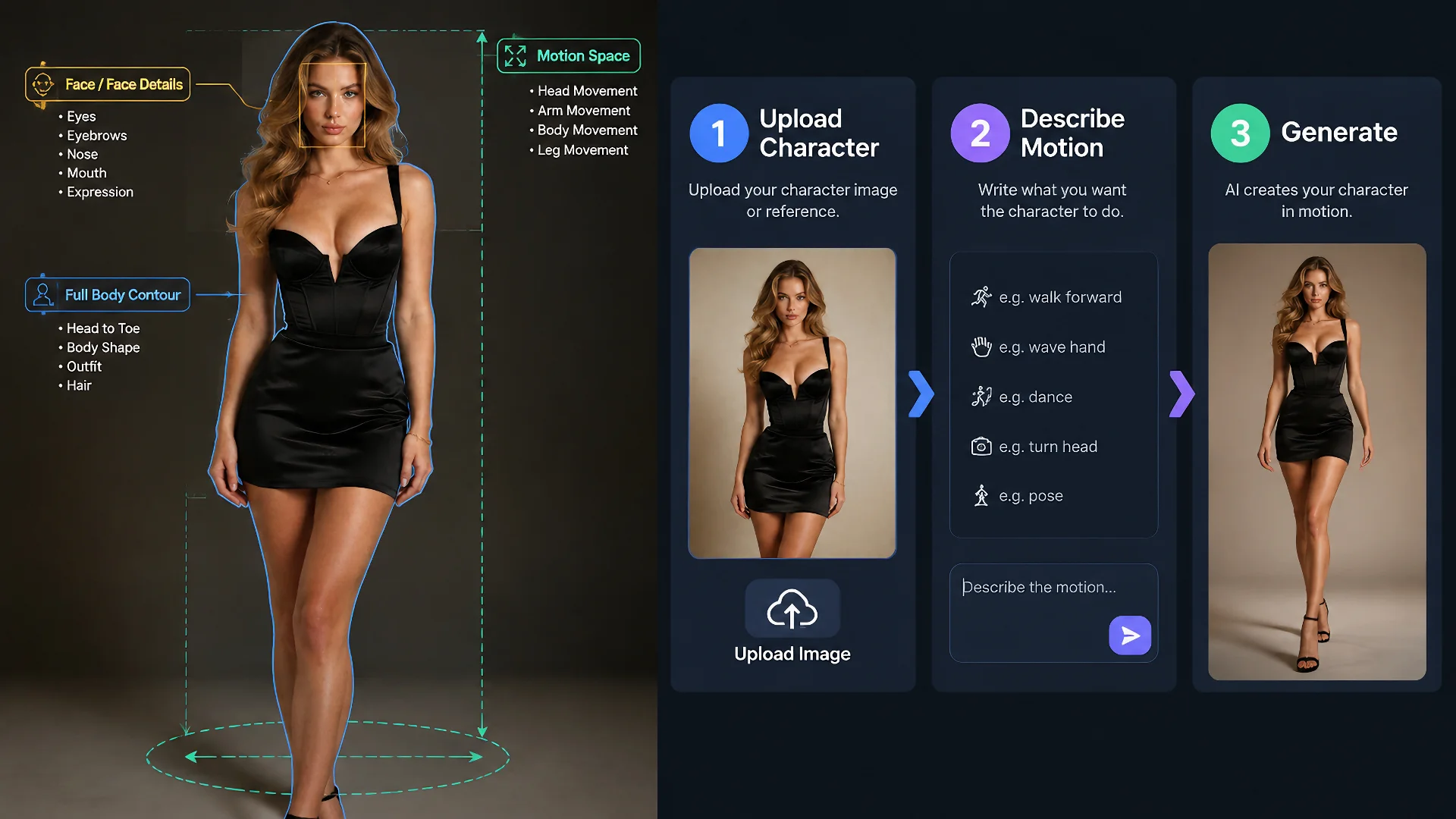
Create or upload the character image whose identity and visual style you want to preserve.
USE CASE
AI Character Video — Create One Character for Every Scene
Create an original character with Wan AI or upload an existing character image. Turn the approved look into video, carry the character into new scenes, and generate uncensored NSFW clips in your browser without installing local models or configuring ComfyUI.
CREATE
Create Your AI Character Video
Already have a character image? Upload it below and describe the movement, expression, and camera direction you want.
Still designing the character? Create the appearance first with the Wan Image Generator, then return with the approved image.
Three Steps From Character to Video
Describe what happens after the opening frame: action, expression, camera movement, pacing, and final pose.
Check the character, motion, and framing. Refine the prompt or reuse the character in another scene.
Before You Generate
Clear Face · Visible Hands · Readable Silhouette · Room to Move
Generator component
Drag & Drop / Click to upload
Drag and drop your image here, or click to browse files to begin!
0/800
Duration:
Reference to Video: Try It FreeHotTry More NSFWWan Models
Different character videos may need different levels of motion, reference control, and scene flexibility. Explore the NSFWWan lineup and choose the model that best fits how you want your character to move and appear.
CHARACTER SHOWCASE
Create the Character Once. Use It Across Every Wan Scene.
One approved character can support more than a single moving portrait. Keep the recognizable identity while changing the framing, motion, environment, or purpose of each clip.
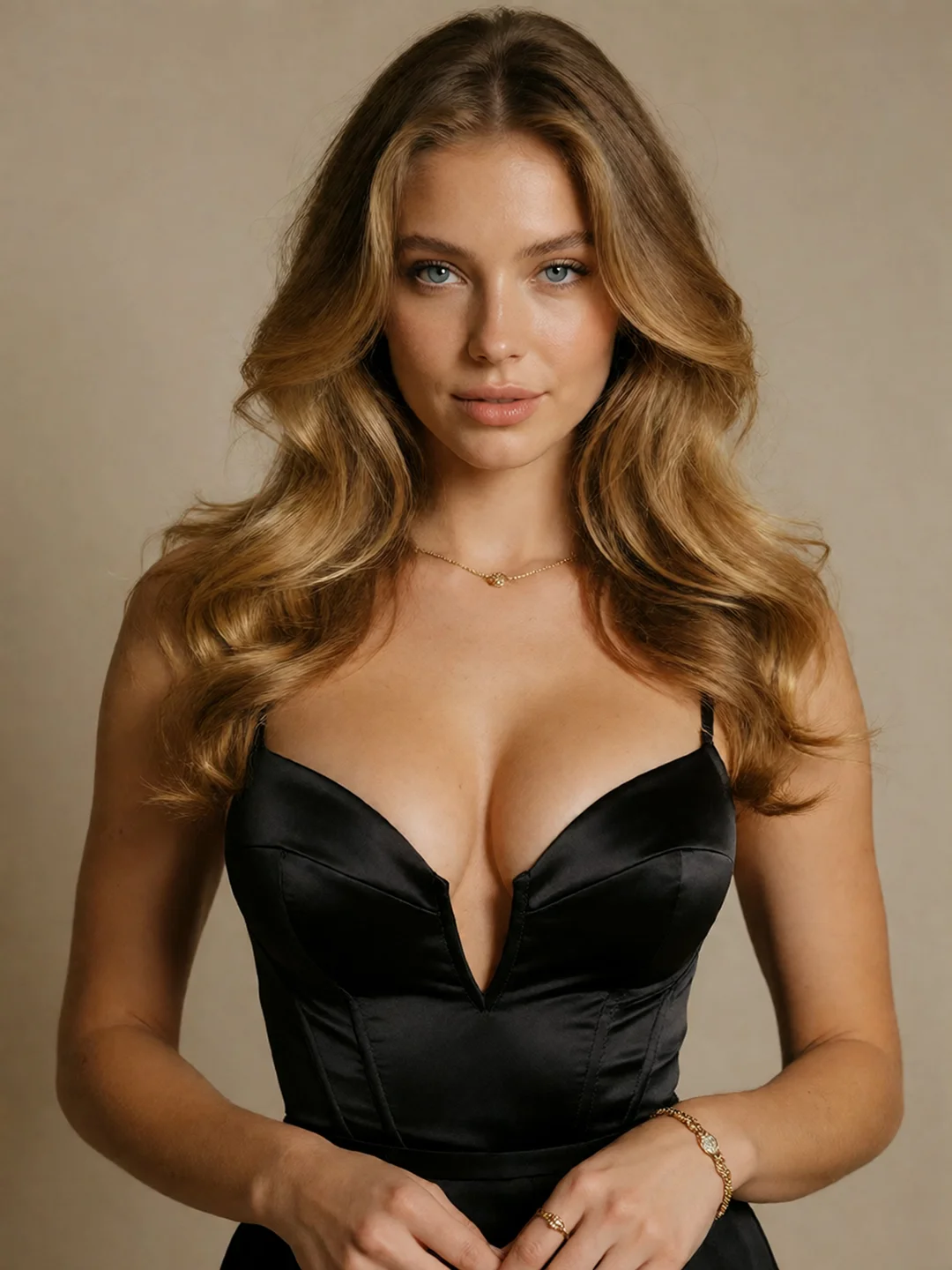
Character Introduction
Establish the face, styling, and attitude with an opening portrait or medium shot.
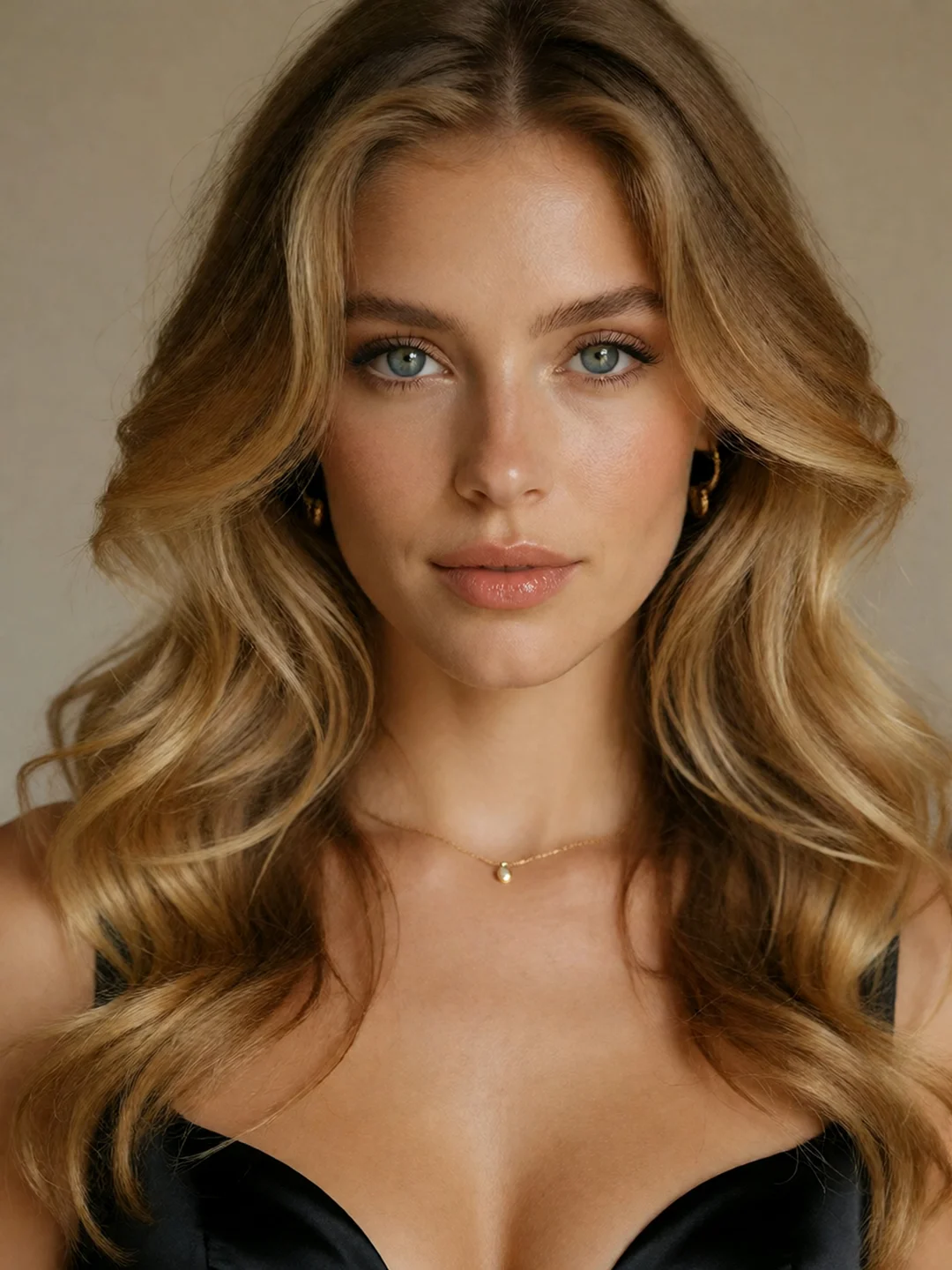
Expression Close-Up
Focus on eye contact, facial movement, breathing, hair motion, or a controlled camera push.
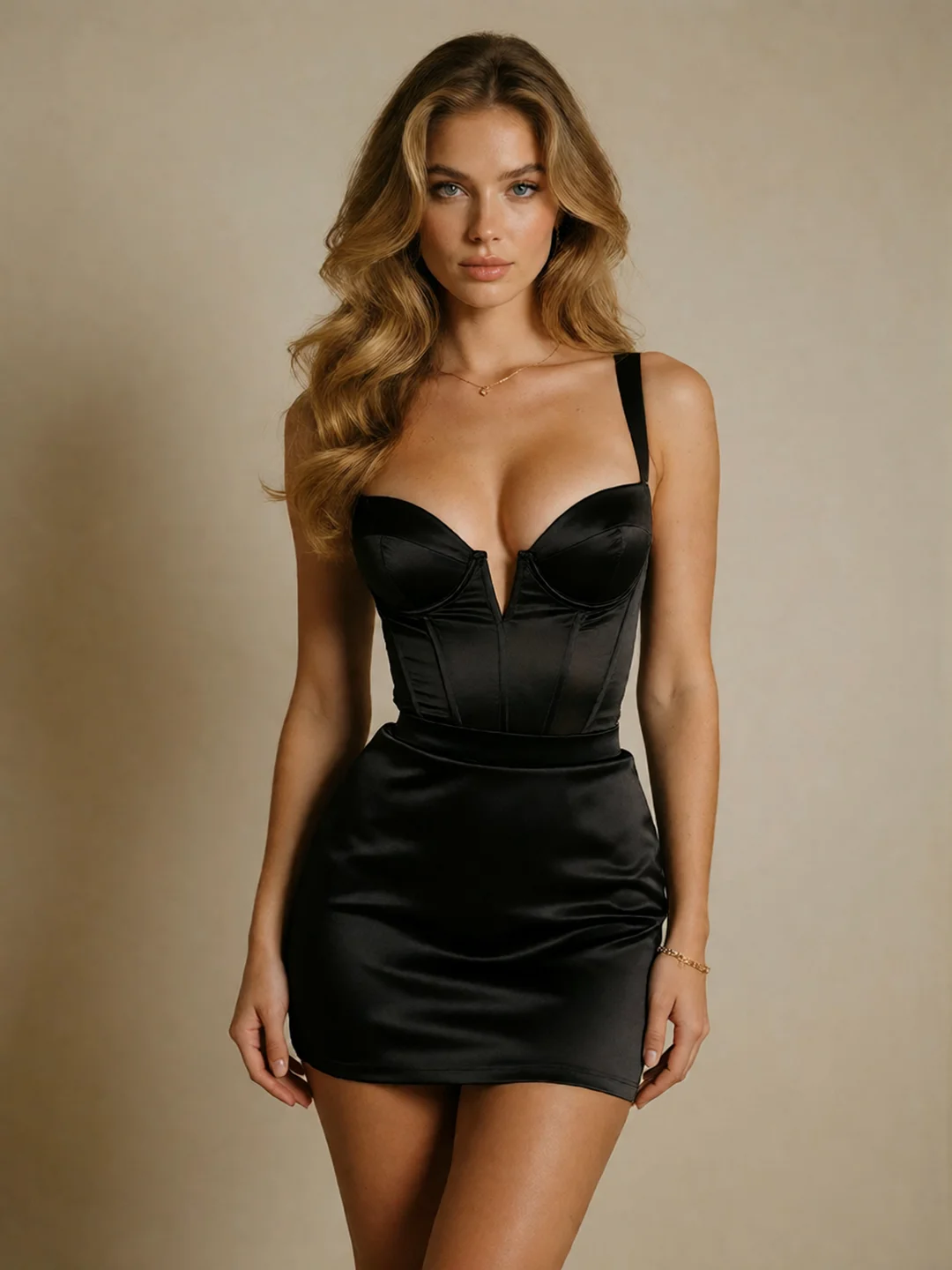
Full-Body Scene
Use a clearly framed source image for walking, turning, posing, or environmental interaction.
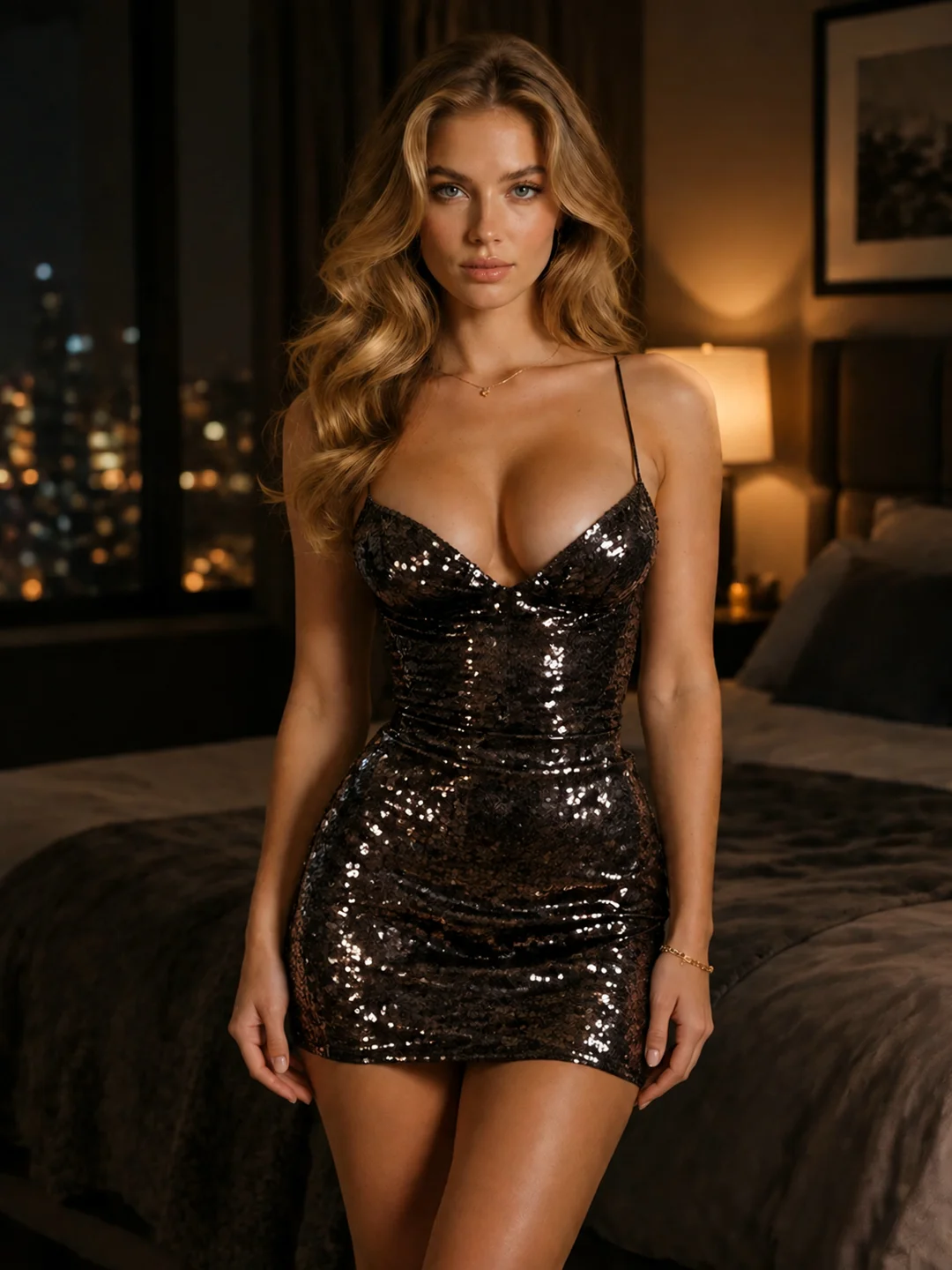
Same Character, New Setting
Carry the character into a different location, composition, wardrobe, or story direction through a reference-led workflow.
Create the Look → Approve One Image → Generate the First Clip → Reuse the Character
WAN TOOLKIT
Choose the Right Wan Route for the Result You Want
Different character tasks need different inputs. Choose the simplest Wan route that preserves what matters.
Create the Character
Use Wan Image to establish the face, proportions, wardrobe, pose, and visual style.
Create a Character Image → Wan Image Generator
Keep the Opening Frame
Use Wan I2V when the uploaded image already has the composition, environment, and starting pose you want.
Turn the Image Into Video → NSFW Image-to-Video
Keep the Character, Change the Scene
Use Wan 3.0 R2V when the identity should remain recognizable but the environment, framing, or action needs to change.
Create a New Character Scene → Reference-to-Video
Continue the Existing Clip
Use Edit or Extend when the current video is working but needs a targeted change or more time to complete the action.
Edit or Extend a Video → Wan 3.0 NSFW
BETTER RESULT
Better Character Results, Without the Local Setup
Help Wan Keep the Character Recognizable
Avoid distant faces, heavy shadow, hair covering major facial features, or extreme viewing angles.
A close-up works best for expressions and smaller gestures. Prepare a wider image before requesting full-body movement.
Do not ask the prompt to replace every detail defined by the image. Preserve important identity traits and change only what the new shot requires.
If the character should remain recognizable but the composition must be rebuilt, use a reference-led route instead of forcing I2V to abandon its opening frame.
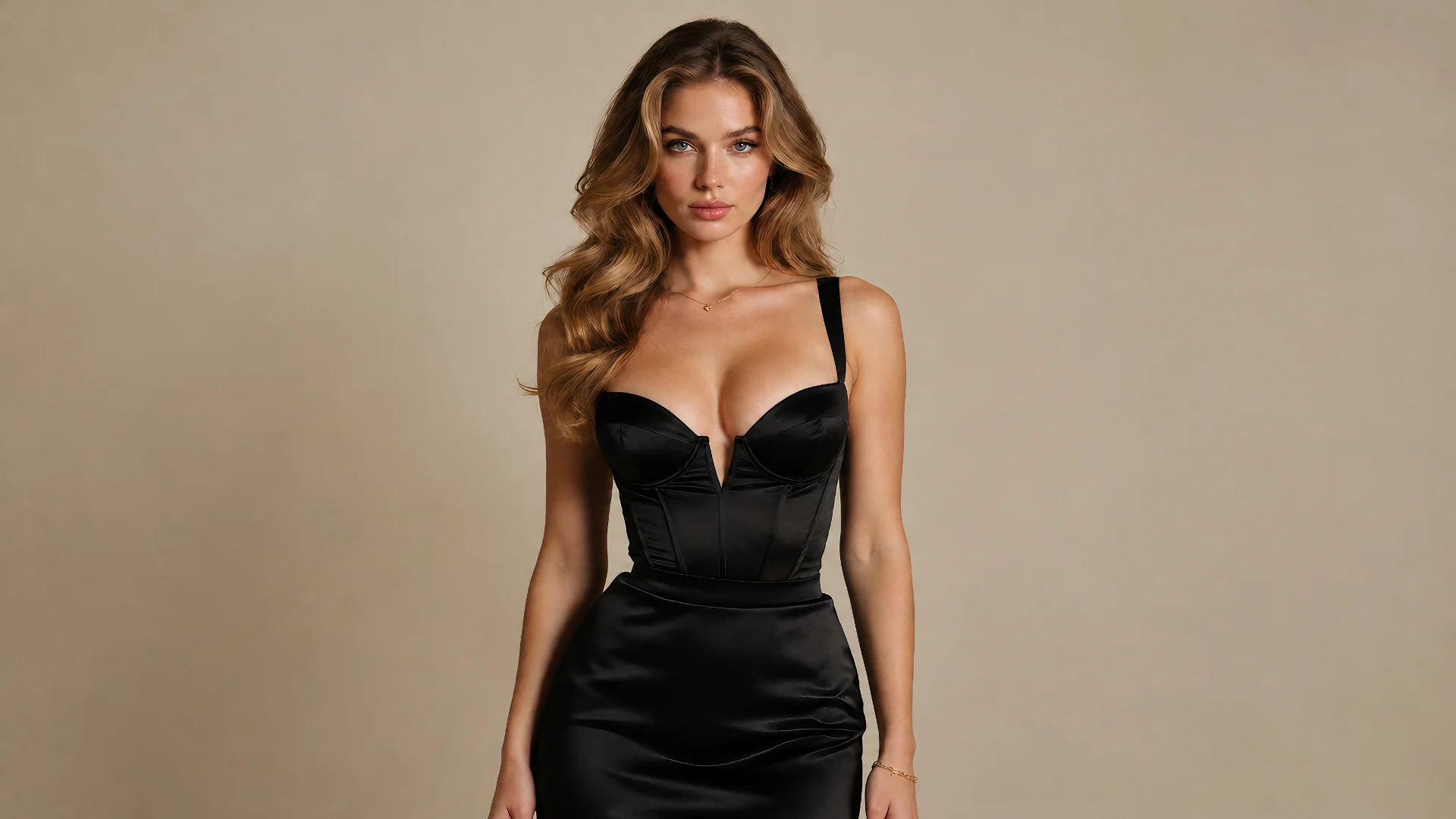
Why Create With NSFWWan?
Create permitted NSFW character content without broad mainstream prompt filters interrupting the production path.
Test the character and first clip without downloading checkpoints or maintaining a local GPU environment.
Move from image creation to I2V, R2V, editing, and extension without assembling separate node graphs.
FAQ
AI Character Video FAQ
Can I create the character before generating the video?
Yes. Create the main character image with a Wan image model, approve the appearance, and use that image as the starting point for video generation.
Can I upload an existing character image?
Yes. Use an original character or visual material you have permission to use. A clear face and readable body shape provide a stronger starting point.
Is one image enough to create a character video?
One strong image is enough to begin an I2V clip. Additional reference views can help when the character needs to appear across substantially different scenes.
Should I use I2V or R2V?
Use I2V when the uploaded image should remain the opening composition. Use R2V when the character should guide a newly staged scene.
Can I create uncensored NSFW character videos?
NSFWWan supports permitted 18+ and NSFW character-generation workflows. Use original characters and material you have the right to create.
Do I need to install Wan or ComfyUI?
No local installation is required for the browser-based generator. Upload the character, enter the video direction, and generate on the page.
Why does the character sometimes change during the video?
Large pose changes, hidden facial features, heavy occlusion, conflicting prompts, and unclear source images can weaken identity preservation. Use a cleaner image or simplify the requested movement before adding more complexity.
Your Character Is Ready. Create the First Clip.
Start with one approved character image, generate the first video, and carry the recognizable identity into the next scene.