
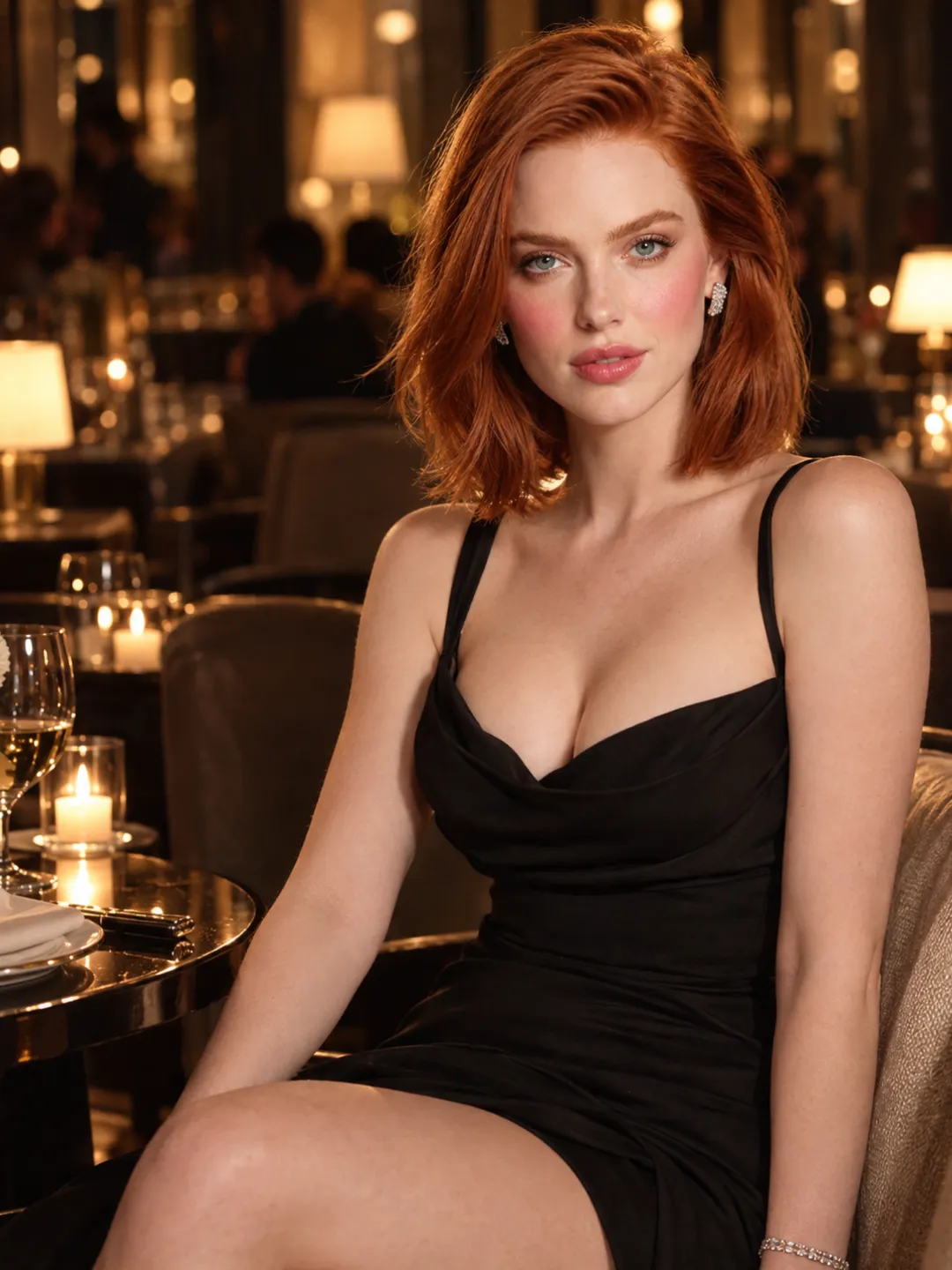
Sweet and Romantic
Create a warm date-night scene, a quiet morning moment, or a gentle direct-to-camera message.
Create This StyleCreate an origina 18+ character or upload an image you already own. Choose her appearance, set the mood, and turn your idea into a personalized AI girlfriend video with Wan.
From romantic moments to unfiltered fantasy scenes, NSFWWan gives you a browser-based path from character image to finished video without requiring a local model setup.
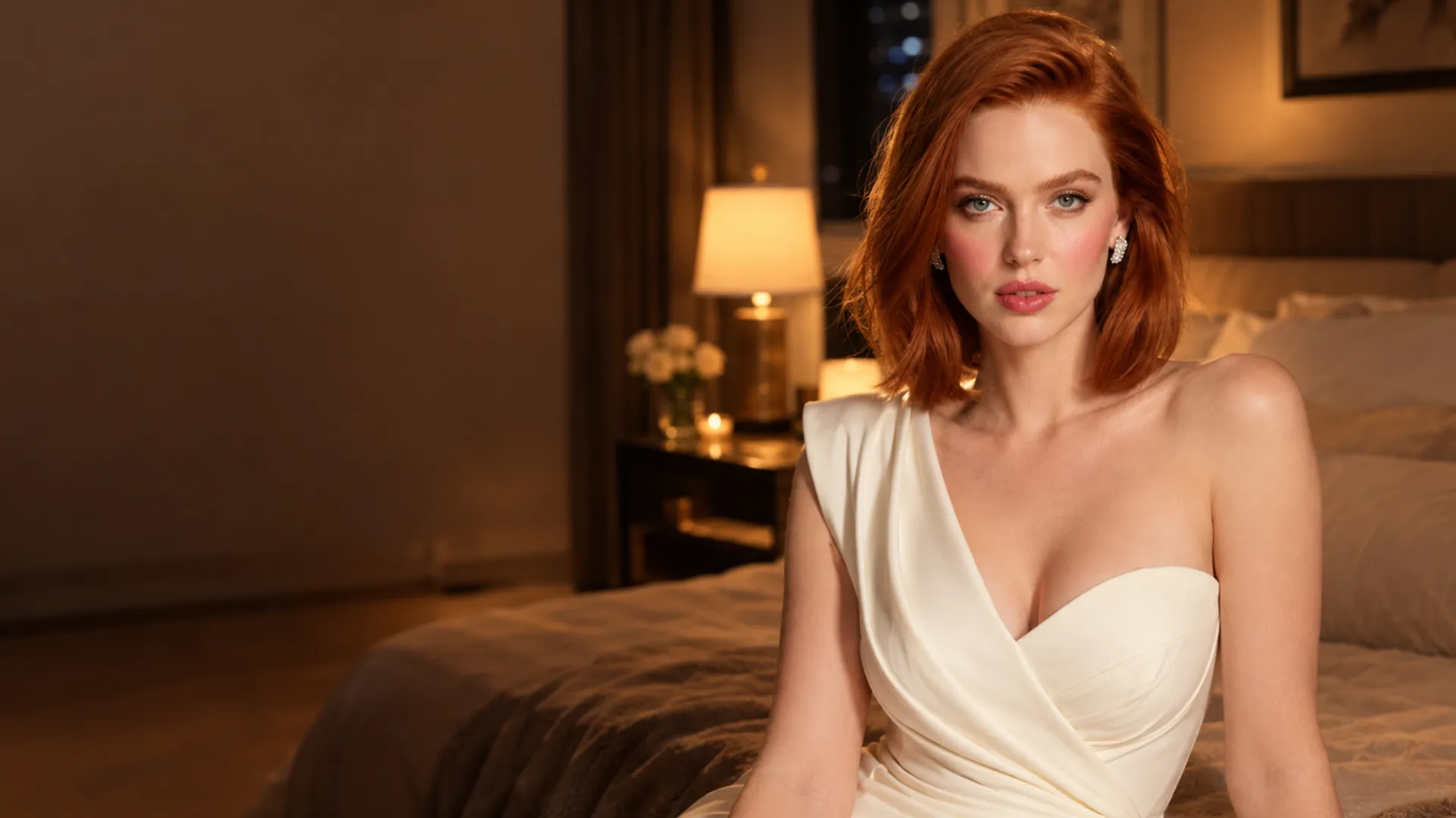
Already have her image? Upload it below and describe the expression, movement, setting, and camera direction you want.
Still designing her appearance? Create the look first with the Wan Image Generator, then return with the approved image.
Start with a clear image that establishes her face, hairstyle, outfit, and visual style.
Tell Wan what she is doing, how she responds to the camera, where the scene takes place, and how the moment should end.
Review her identity, movement, and framing. Adjust the direction or bring the same character into another idea.
Different AI girlfriend scenes may work better with different Wan models. Explore the NSFWWan lineup and choose the model that best matches the motion, scene, and level of control you want.
An AI girlfriend video generator should do more than animate a generic portrait. Start with the kind of moment you want to create, then shape the character, mood, and camera around it.
Create a warm date-night scene, a quiet morning moment, or a gentle direct-to-camera message.
Create This Style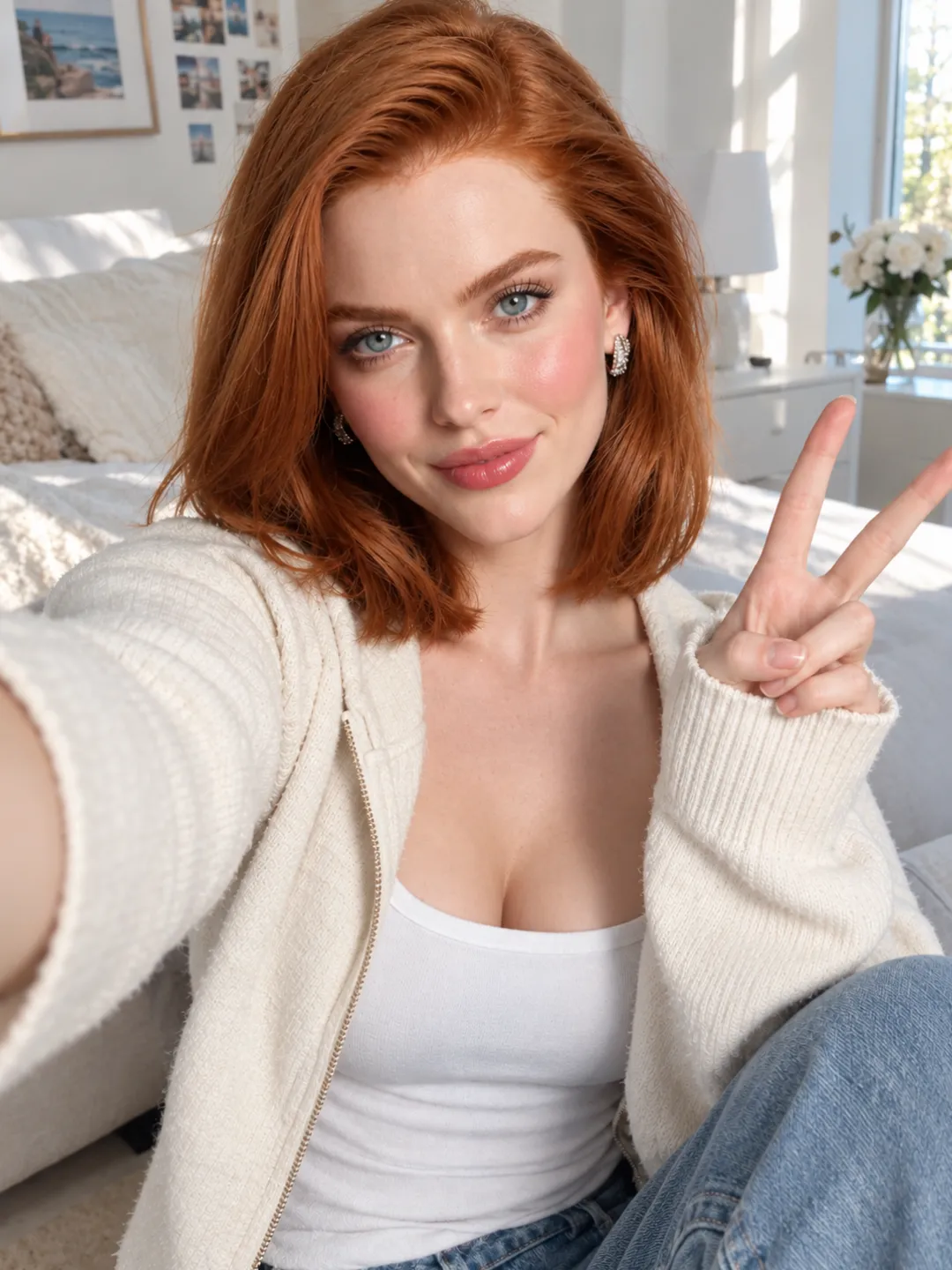
Direct a teasing expression, confident eye contact, subtle movement, or a more energetic private moment.
Create This Style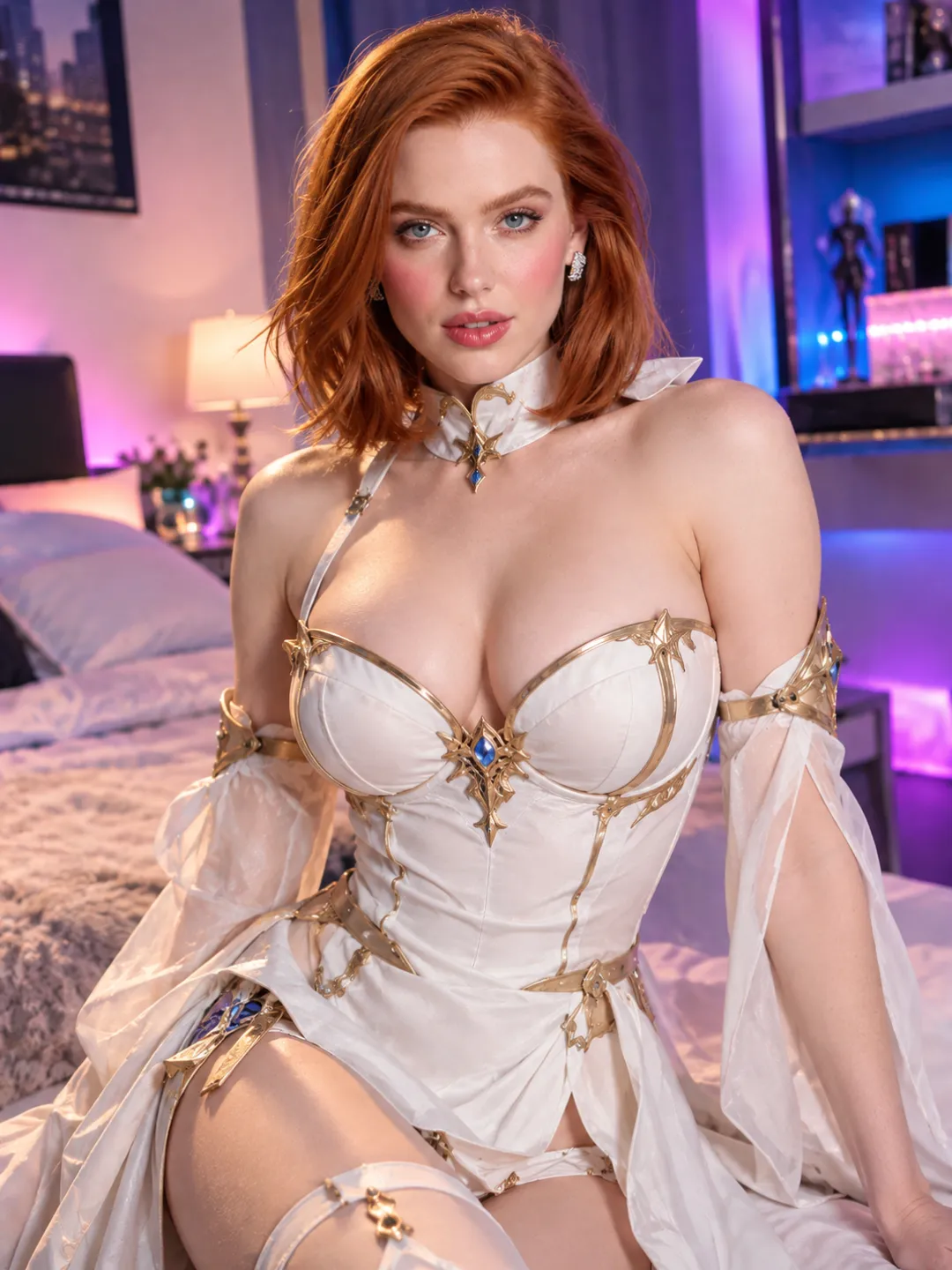
Place the same original character inside a themed outfit, imagined world, roleplay setting, or cinematic visual style.
Create This Style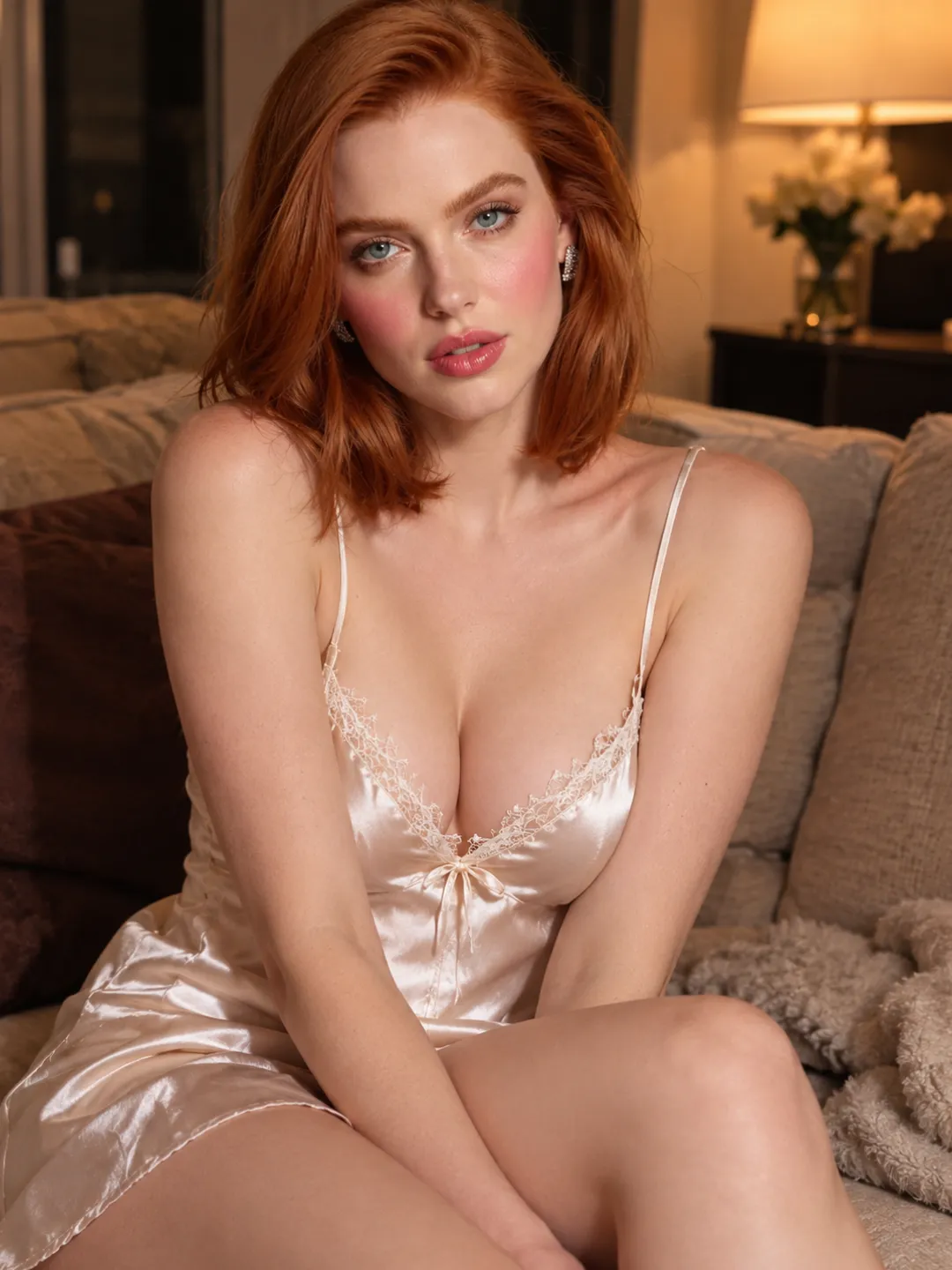
Explore permitted 18+ scenes with clearer control over the character, setting, movement, and intended mood.
Create This StyleThe difference is not simply how she looks. A convincing custom video connects her appearance, attention, movement, and surroundings into one coherent moment.
Define the facial features, hairstyle, outfit, body presentation, and visual style that fit your idea.
Direct her expression, energy, body language, and pacing. A relaxed scene should not use the same performance as a playful or dramatic one.
Decide whether she looks into the camera, reacts to someone in the scene, moves closer, turns away, or acknowledges the viewer.
Reuse selected clothing, accessories, colors, or environmental details when you want new clips to feel connected to the same character concept.
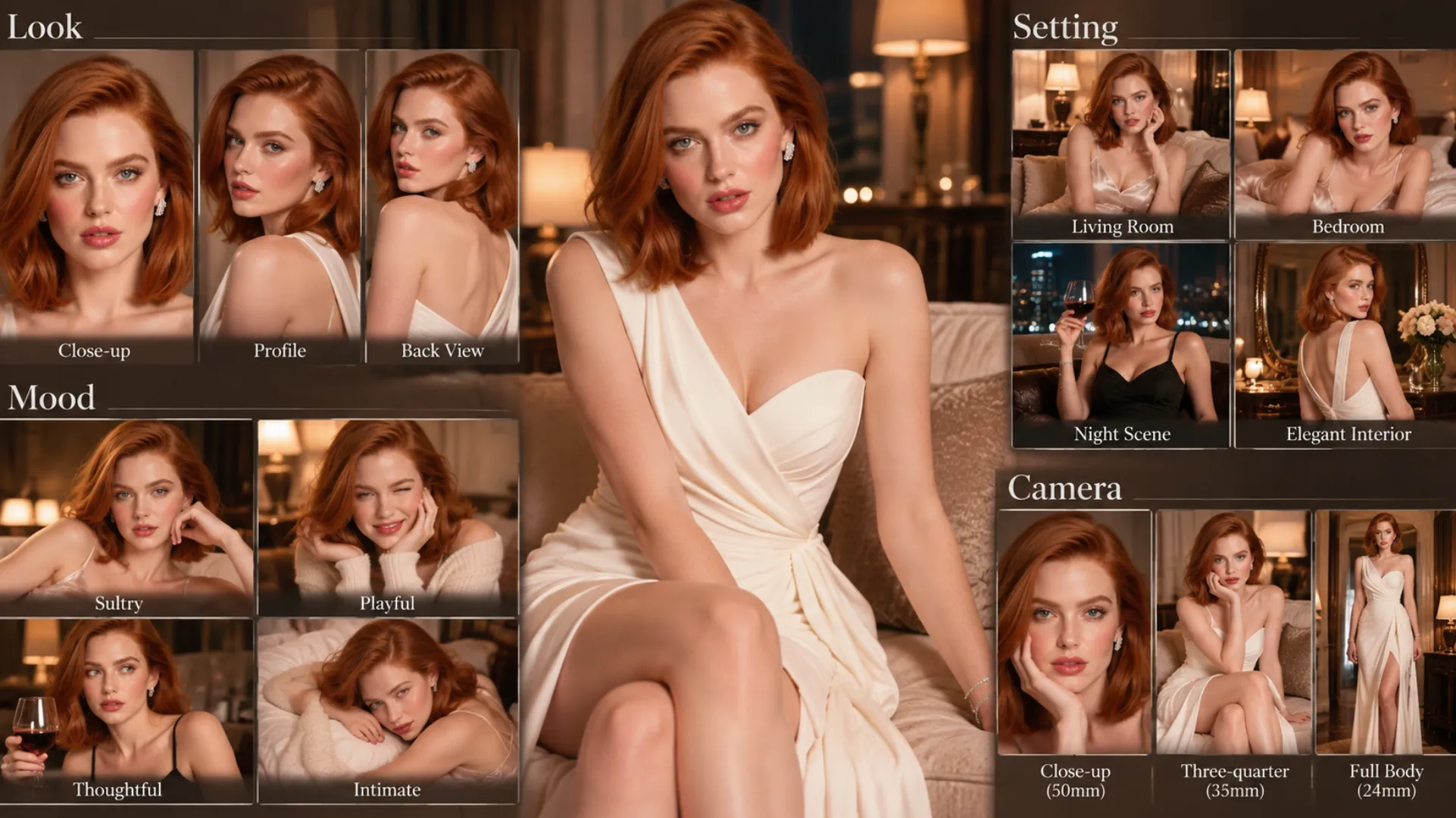
The clearest direction usually combines six elements:
Character + Mood + Action + Setting + Camera + Final PoseNSFWWan brings the main character and video routes into one browser-based workflow. You can begin with an original image, test a scene, and continue refining the result without downloading checkpoints or assembling a ComfyUI graph.
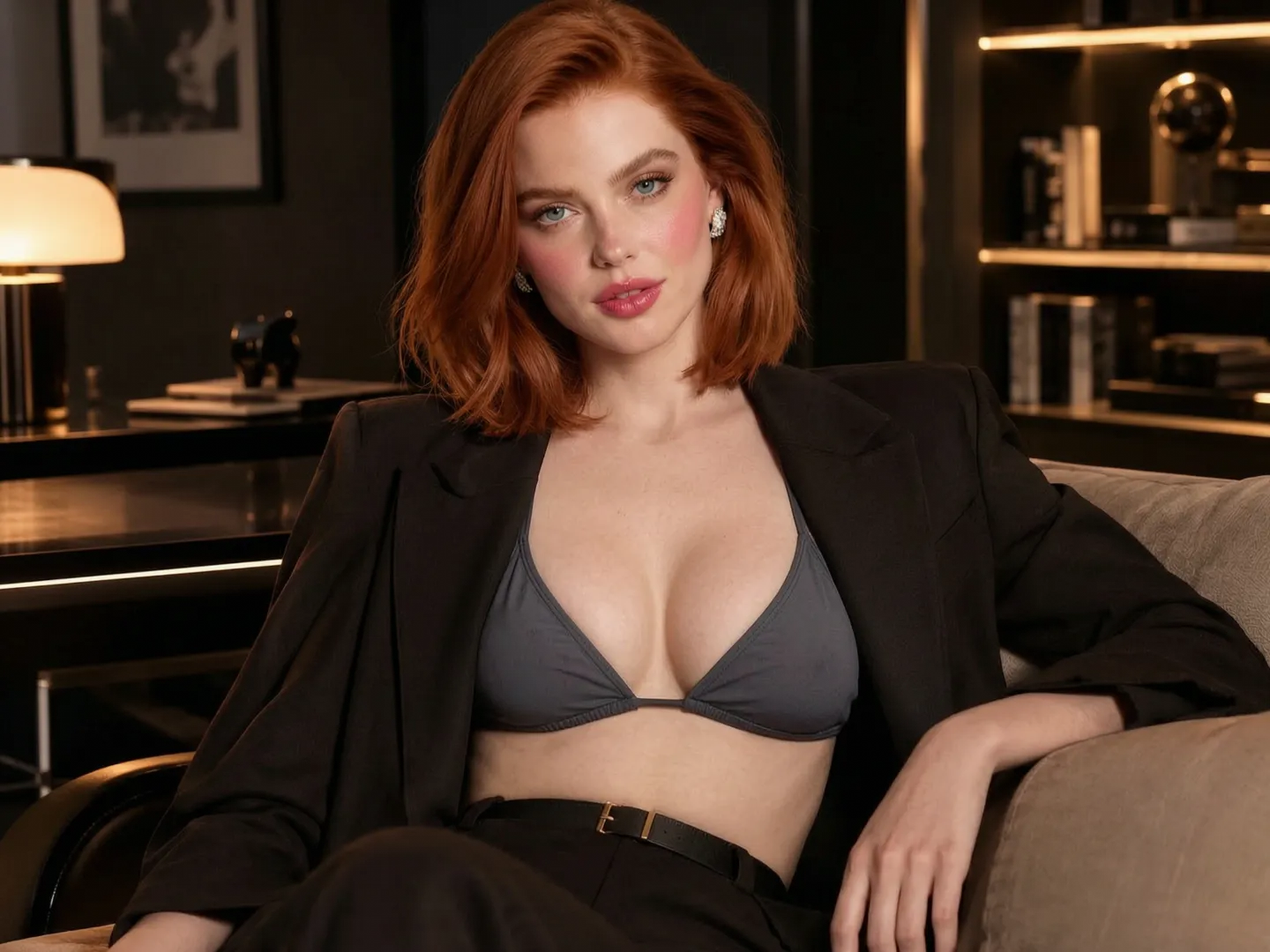
Use the Wan Image Generator when you need to establish the character before creating movement.
Use Wan Image to Video when the uploaded image already contains the opening composition, outfit, environment, and pose you want.
Use Wan 3.0 Reference to Video when her recognizable visual identity should influence a newly staged environment, action, or camera angle.
Create permitted NSFW and 18+ fictional character videos without forcing every idea into a mainstream content template.
No. NSFWWan focuses on character image and video creation. It does not provide ongoing chat, memory, live calls, or simulated relationship conversations.
Yes. Use the Wan Image Generator to establish an original character, approve the result, and then use that image as the starting point for video generation.
You can reuse an approved character image or reference across multiple generations. Clear source images and consistent defining details help the character remain recognizable, although generation does not guarantee pixel-identical results.
One clear image is enough to begin with Wan I2V. Additional references are useful when a new scene must preserve broader information about the character, environment, or visual style.
Choose I2V when the uploaded image should remain the opening frame and composition. Choose R2V when the character should influence a newly staged scene without preserving the exact original layout.
NSFWWan supports permitted 18+ fictional character workflows. Use original characters or material you have the right to use, and do not create deceptive or non-consensual content involving real people.
No local installation is required for the browser-based generator. Upload or create the character, enter the video direction, and generate from the page.
Start with one original character image and one clear scene idea. Create the first clip, review how she looks and moves, then bring her into the next moment.